 how-to
Best Ways to Automate Employee Onboarding in 2026
Table of Contents
- What Employee Onboarding Automation Actually Replaces
- Mapping Your Employee Onboarding Workflow Before You Automate Anything
- Building an Automated Onboarding Checklist That Triggers Itself
- A Realistic Onboarding Process Timeline for a 50 to 500 Person Company
- Choosing Onboarding Automation Tools Without Locking Yourself In
- Security, Access Control, and Exception Handling
- How to Measure Whether Onboarding Automation Is Working
- A 90-Day Implementation Plan With Owners and Milestones
- Frequently Asked Questions
Last Updated: October 12, 2026
What Employee Onboarding Automation Actually Replaces
To automate employee onboarding is to use software for repetitive tasks, sending forms, creating accounts, assigning training, chasing reminders, so your team can focus on welcoming the new hire. The rule: automate the paperwork, not the people.
At Pilot AI, we work with small businesses and growing teams hiring everyone from field sales reps to dental office staff. Onboarding breaks down not because managers don't care, but because nobody owns the handoffs between HR, IT, and the hiring manager.
That's the real problem automation solves: closing the gaps where a new hire sits idle waiting for a login, a uniform, or a first-day schedule.
Tasks Worth Automating vs. Tasks That Need a Human
Automate anything triggered by a date, a status change, or a completed step. Keep humans on anything that requires reading a person.
- Automate: offer letters, tax and payroll forms, equipment requests, account creation tickets, training assignments, reminder messages, first-week check-in prompts.
- Keep human: the welcome call, the first real conversation with a manager, culture introductions, and any decision about whether someone is settling in well.
A common mistake is automating the welcome message itself. New hires can tell a template from a person, and it shows in early engagement.
Mapping Your Employee Onboarding Workflow Before You Automate Anything
Before you automate employee onboarding with a single tool, write down your workflow as it actually runs. Most teams find two or three steps nobody owns, exactly where new hires fall through.
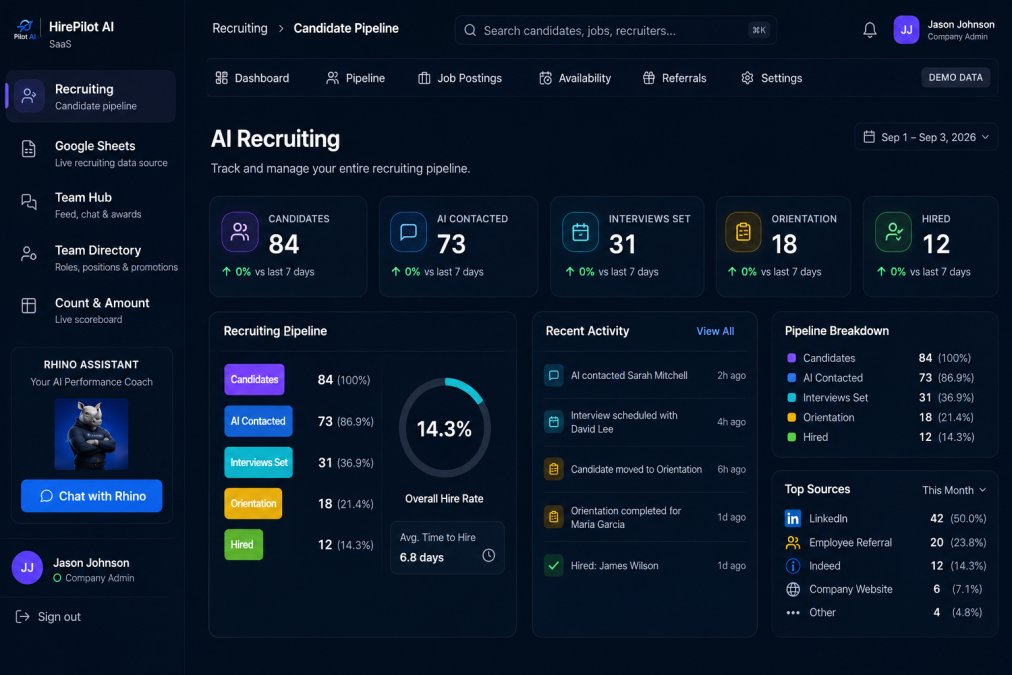
Map it in three columns: the step, who owns it, and what triggers it. That third column makes automation possible, because automation runs on triggers.
Preboarding: The Week Before Day One
Preboarding covers everything between "offer accepted" and "first day." This is where automation pays off fastest, because the tasks are identical for almost every hire.
Typical steps include sending the offer packet for signature, collecting ID and payroll details, ordering equipment, and confirming start time and location, each can run on a timer once the offer is accepted.
Day One Through Day Thirty: Accounts, Equipment, and Training
The first thirty days run on three parallel tracks: accounts (IT), equipment (operations or the office manager), and training (the manager). Without a shared view, they drift apart.
This is the biggest source of first-week frustration we hear about: the new hire has a laptop but no login, or a login but no training path.
Building an Automated Onboarding Checklist That Triggers Itself
An automated onboarding checklist is a task list where each item fires the next, so progress moves without anyone chasing it. The checklist becomes a workflow, not a document.
Here is how we structure a self-triggering checklist:
- Offer accepted → trigger preboarding sequence
- Forms signed → trigger payroll setup
- Payroll set → trigger IT account request
- Accounts created → trigger equipment order
- Equipment shipped → trigger day-one schedule
- Day one complete → trigger week-one check-in
- Week one complete → trigger training assignments
- Day thirty reached → trigger manager review
Each arrow is a trigger. If a step stalls, the workflow should flag it rather than silently wait, that flag is your exception handling.
A Realistic Onboarding Process Timeline for a 50 to 500 Person Company
A workable onboarding timeline runs about four weeks from offer acceptance to a settled new hire, with the heaviest activity in the first five days.
| Phase | Timing | Key Tasks | Owner |
|---|---|---|---|
| Preboarding | Offer to Day 1 | Forms, payroll, equipment order | HR |
| Day one | Day 1 | Welcome, accounts live, schedule | Manager |
| Week one | Days 2-5 | Training start, team intros | Manager |
| Week two | Days 6-10 | First independent tasks | Manager |
| Day thirty | Day 30 | Review and check-in | Manager |
The timeline stretches for frontline and remote employees, where equipment shipping or site access adds days. Plan for that.
Choosing Onboarding Automation Tools Without Locking Yourself In
Most guides hand you a product list. A better approach: pick the tool category that matches the job, then evaluate vendors inside it.
Sort your onboarding tasks into five buckets, each mapping to a different tool category. Mixing them up is the most common buying mistake.
| Task bucket | Typical tool category | What it is good at | Watch out for |
|---|---|---|---|
| Forms, signatures, payroll setup | HRIS or document workflow | Structured data capture, audit trail | Weak triggers into IT systems |
| Account creation, permissions | Identity and access management (IAM) | Role-based access, single sign-on, offboarding | Requires clean role definitions first |
| Equipment requests, tickets | IT service management (ITSM) | Approval gates, SLA tracking | Can become a ticket graveyard without owners |
| Training paths, completion tracking | Learning management system (LMS) | Structured content, progress reporting | Content migration is painful |
| Cross-team coordination | Workflow or project tool | Visibility across HR, IT, and managers | Easy to build a workflow nobody maintains |
Once you know which buckets you need, evaluate vendors on four criteria that matter more than feature lists:
- Trigger depth. Can the tool start a workflow from an event (offer accepted, form signed, start date reached), or does someone have to click a button? Button-driven tools do not remove coordination overhead.
- Data portability. Ask for a sample export of checklists, training content, and employee records before you sign. If the export is a PDF or a screenshot, you do not own your data.
- Implementation effort. A tool that takes six weeks to configure for a ten-person team is a poor fit, no matter how capable it is. Ask how long a typical setup takes for a company your size.
- Exception handling. What happens when a step stalls? Does the tool flag it to a named owner, or does it silently wait? This single question separates tools that scale from tools that break.
On cost, compare total cost of ownership rather than license price. The real cost includes setup time, ongoing admin, integration maintenance, and staff hours spent chasing onboarding tasks manually.
A note on our own product: Pilot AI is built by us, so weigh that accordingly.
If you want a second set of eyes on where your current stack is leaking time between hiring and onboarding, our team offers a free recruiting audit that reviews applicant response, follow-up, scheduling, and the bottlenecks between hiring and onboarding.
Security, Access Control, and Exception Handling
Security and access control are the parts most onboarding guides skip, and the parts that cause real damage when they fail. An onboarding workflow creates accounts, grants access, and moves personal data. Treat it like the sensitive process it is.
A few safeguards we recommend building in from day one:
- Grant access by role, not by name, so permissions stay correct as people move.
- Use single sign-on where your systems support it, so offboarding is as clean as onboarding.
- Log every account creation and permission change with a timestamp and an owner.
- Limit who can approve high-access requests, and require a second approval for admin-level accounts.
Exception handling matters just as much. Workflows fail: a form isn't signed, a shipping address is wrong, a manager goes on leave. Build a rule that any step stalled past its expected window gets flagged to a named person, not a shared inbox.
How to Measure Whether Onboarding Automation Is Working
Measure onboarding automation by outcomes, not by how many tools you added.
1. Provisioning time. How long from offer acceptance to a working login and equipment in hand.
2. Task completion rate. The share of checklist items finished on schedule. If it's low, your triggers are misfiring or your owners are unclear.
**3.
4. Time to productivity. How long until a new hire handles their role independently.
5. New-hire experience. A short survey at day one, week one, and day thirty.
Before changing anything, establish a baseline.
Segment your metrics by worker type. A remote employee, a frontline employee, a part-time hire, and a contractor may need different onboarding paths.
If you would like help setting a baseline and identifying which metrics to watch first, our team offers a free recruiting audit that reviews applicant response, follow-up, scheduling, and the bottlenecks between hiring and onboarding.
A 90-Day Implementation Plan With Owners and Milestones
A 90-day plan keeps onboarding automation from becoming an endless project. Here's the structure we'd use, with owners and milestones.
| Phase | Days | Milestone | Owner |
|---|---|---|---|
| Map | 1-30 | Current workflow documented, gaps identified | HR lead |
| Build | 31-60 | Preboarding and day-one triggers live | HR + IT |
| Extend | 61-90 | Training and day-thirty review automated | Manager + HR |
Start with preboarding, the most repetitive, easiest to automate, and fastest to show a result. Once it runs cleanly, extend into day one and training.
If you'd like a second set of eyes on where your process is leaking time, our team offers a free recruiting audit that reviews applicant response, follow-up, scheduling, and the bottlenecks between hiring and onboarding.
Frequently Asked Questions
What parts of employee onboarding can actually be automated?
The repeatable, rule-based parts: sending offer and preboarding documents for electronic signature, creating directory and application accounts, raising equipment requests, scheduling training modules, and firing reminder messages to managers and new hires. Human judgment still belongs in welcome conversations, role context, and any decision about access levels. A useful test is whether the step has the same trigger and the same outcome every time. If it does, it can run as a workflow trigger with a task assignment attached.
How do you automate onboarding without losing the human touch?
Automate the logistics so managers have time for the personal parts. Let the system handle forms, account creation, and reminder messages, then protect the first-day welcome, the buddy program introduction, and the thirty-day check-in as manual calendar events that no workflow can overwrite. Template messages work well for routine updates, but the manager's first message to a new hire should be written, not generated. The goal is fewer administrative interruptions, not fewer conversations.
What should an automated onboarding checklist include for a remote employee?
Remote onboarding needs the same core items as on-site plus a few extras: shipping an equipment request with tracking, confirming the device setup before day one, scheduling a video welcome, pairing the new hire with a buddy in their time zone, and sharing written documentation for tools they will use. Add a check that the new hire can reach the systems they need on their first morning. A short verification step catches access problems before they stall the first week.
How long should the employee onboarding process take before you can call it done?
Most companies treat the first ninety days as the onboarding window, with the heaviest lift in the first two weeks. Administrative tasks like account creation and paperwork should finish before day one or within the first morning. Training paths and role-based onboarding typically run across the first month, and the thirty, sixty, and ninety day check-ins close the loop. Set your timeline around when a new hire can work independently, not around when the paperwork clears.
Onboarding automation works best when it handles the handoffs and leaves the human moments alone. That balance is harder to strike than it sounds, especially as you scale past fifty hires a year. Pilot AI brings recruiting, automated training, and performance tracking into one system, so the person you hire and the person you onboard stay connected. Get started with Pilot AI and build an onboarding process that runs itself, so your team can spend its time on the people instead of the paperwork.