
 how-to
How to Automate High Volume Recruitment: 7 Steps
Table of Contents
- What High Volume Recruitment Automation Actually Changes
- Step 1: Map Your Current Hiring Process and Find the Bottlenecks
- Step 2: Write Applicant Screening Questions That Filter Without Losing Good Fits
- Step 3: Set Up Automated Interview Scheduling That Works Around Real Calendars
- Step 4: Build Automated Applicant Follow-Up Into Every Stage
- Real Recruitment Workflow Examples You Can Copy
- Step 5: Keep Humans in Charge: Governance, Bias Checks, and Data Quality
- Step 6: Measure Results and Fix What Breaks
- Frequently Asked Questions
Last Updated: October 5, 2026
What High Volume Recruitment Automation Actually Changes
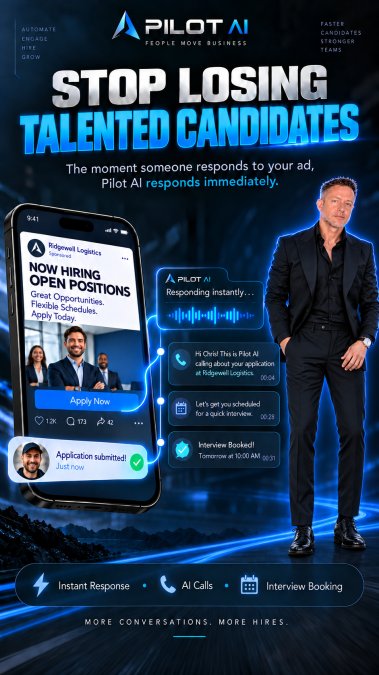
When a job posting draws dozens or hundreds of applicants, the first business to reply usually wins the candidate. Manual replies cannot keep up. Automation can.
But most guides get one thing wrong. They treat automation as a replacement for recruiters. It is not. It is a filter and a scheduler that keeps conversations moving while humans make the call.
Below, we break the process into seven steps, from mapping your current workflow to measuring what actually improved. The examples apply to field sales teams, home services, cleaning companies, and dental offices just as well as to tech firms.
Step 1: Map Your Current Hiring Process and Find the Bottlenecks
Before you automate anything, you need a clear picture of how candidates actually move through your hiring process today. Most teams find the delays sit in three spots:
- Applications that sit unread for days
- Screening calls that take a week to book
- Follow-up messages that never get sent
A simple way to find yours is to time each stage for your last ten hires. Where did candidates wait longest? That wait is your bottleneck.
Common mistake: teams automate the fastest step first because it is easiest. Fix the slowest step instead. If interview scheduling takes six days, automating resume sorting saves you almost nothing.
Build a one-page process map
Write each stage on a single page and label it with three things: who owns it, how long it takes, and what the candidate experiences. A typical map for a small business looks like this:
- Job posted and distributed
- Application received
- First response sent
- Screening questions answered
- Interview scheduled
- Interview completed
- Decision and offer
- Onboarding handoff
For each stage, note whether a human must act or whether a rule could trigger the next step. Stages that are purely informational (confirmations, reminders, status updates) are usually safe to automate first. Stages that require judgment (final interviews, offers) should stay with people.
Find the bottleneck with a simple time audit
Pull your last ten hires and estimate the elapsed time between each stage. You do not need perfect data, a rough estimate from your inbox and calendar is enough to spot the pattern.
A common pattern in field sales, home services, cleaning, and dental hiring is that the first response is fast but the gap between screening and a scheduled interview is long.
Choose what to automate first
Use this order of operations:
- Automate the bottleneck stage. If scheduling is the slowest step, start there.
- Automate the highest-volume repetitive task. If you send the same confirmation 80 times a week, automate it.
- Automate the stage with the worst candidate experience. If candidates complain about silence, automate follow-up.
- Leave judgment calls alone. Screening edge cases, final interviews, and offers stay human.
Pilot before you scale
Do not roll automation out to every open role at once.
If the pilot improves the bottleneck without hurting candidate quality, expand to a second role. If it does not, adjust the workflow before adding more.
Once you know your bottleneck, you can pick the right tool for it. An applicant tracking system handles the pipeline. A scheduling tool handles calendars. Text-based recruiting handles speed.
Step 2: Write Applicant Screening Questions That Filter Without Losing Good Fits
Applicant screening questions are the short questions you ask before a full interview, designed to confirm basics like availability, license, or experience. Good questions cut the pool without cutting good people.
Here is what works:
- Ask about hard requirements only (license, shift availability, travel)
- Keep it to three to five questions
- Use plain language, not corporate phrasing
- Let candidates answer by text, not just a web form
What most guides miss is the cost of a bad filter. A question like "Do you have five years of experience?" removes capable people who could learn the role in months. Ask what the job truly requires on day one.
Mobile-friendly applications matter here. Many applicants apply from a phone during a break. If your form takes ten minutes, they leave.
Step 3: Set Up Automated Interview Scheduling That Works Around Real Calendars
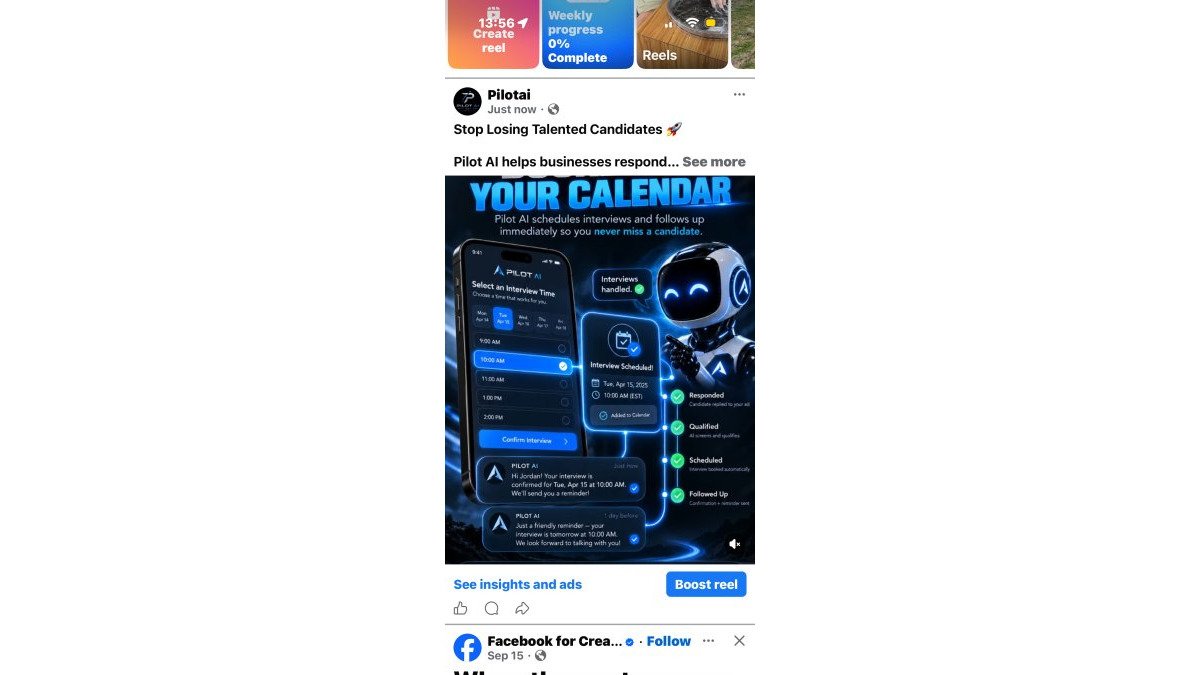
Automated interview scheduling lets a candidate pick a time slot that already fits your hiring manager's calendar, without a back-and-forth email chain.
The setup has four parts:
- Connect each interviewer's real calendar
- Set buffer times so interviews do not stack
- Offer slots by text or email link
- Send automatic reminders the day before
Reminders matter more than most teams expect. A candidate who confirms by text is far less likely to ghost than one who only got an email.
For dental offices and home services teams, scheduling often needs to work around site visits or patient hours.
Step 4: Build Automated Applicant Follow-Up Into Every Stage
Automated applicant follow-up is any message sent without manual effort at a set point in the process, such as a confirmation after applying or a check-in after an interview. It keeps candidates warm and reduces drop-off.
Set messages at these points:
- Right after application: confirm receipt and next steps
- Before the interview: reminder with time, place, and who to expect
- After the interview: thank-you and timeline for a decision
- If rejected: a short, respectful close
Personalized communication matters. Use the candidate's name and the role title. A generic blast reads as a brush-off.
Real Recruitment Workflow Examples You Can Copy
Here are three workflow examples you can adapt. These are hypothetical setups, not client results.
Field sales team, 40 applicants per role: Text-based screening asks about territory and driver's license. Qualified candidates get a scheduling link.
Cleaning company, weekend shifts: A QR code on the job posting opens a short mobile form.
Dental office, front desk role: Screening questions cover software experience and hours. Automated reminders cut no-shows.
| Stage | Manual Approach | Automated Approach | Main Gain |
|---|---|---|---|
| First reply | Next business day | Within minutes | Less drop-off |
| Screening | Phone tag | Text questions | Faster filtering |
| Scheduling | Email chain | Calendar link | Fewer delays |
| Reminders | Often skipped | Automatic | Fewer no-shows |
Step 5: Keep Humans in Charge: Governance, Bias Checks, and Data Quality
Automation should narrow the pool, not decide who gets hired. Keep a person reviewing every shortlist and every rejection. That principle is easy to state and harder to run day to day, so build a few simple habits around it.
Write down your screening criteria
Put your screening questions and the reason for each one in a shared document. For every question, note the job requirement it maps to. If you cannot name the requirement, the question probably should not be there.
Review the criteria each quarter. Job requirements change, and a question that made sense six months ago may now filter out good candidates.
Watch for disparate impact
Screening criteria can unintentionally exclude groups of candidates even when no one intended it.
A practical way to check is to compare your applicant pool to your interview pool. If a group applies in reasonable numbers but almost never reaches an interview, look at which screening question is doing the filtering.
For roles covered by US equal employment opportunity rules, the U.S. Equal Employment Opportunity Commission (EEOC) publishes guidance on how selection procedures should be evaluated.
Keep a human in the loop for edge cases
Set three rules for your team:
- A human reviews any candidate the system flags as a maybe
- A human makes every rejection decision, even when the system suggests it
- A human approves any change to screening criteria before it goes live
These rules protect candidates and protect your business. They also keep the process honest when something goes wrong.
Protect candidate data
Applicant data is personal data. Treat it that way:
- Store applicant records in one system, not scattered across inboxes and spreadsheets
- Limit who on your team can see full applicant profiles
- Set a retention period and delete records you no longer need
- Do not collect information you are not going to use in the hiring decision
If you operate in a state with its own privacy rules, check what those rules require for applicant data. The California Consumer Privacy Act (CCPA), for example, gives consumers rights over personal information that can apply to job applicants in some situations.
Fix data quality before you trust your reports
Data quality decides whether any of this works. If candidate records live in three systems, your reports will be wrong and your follow-up will miss people.
A simple cleanup routine helps:
- Deduplicate by email or phone number on a set schedule
- Require the few fields you actually use, and make the rest optional
- Mark withdrawn and rejected candidates promptly so they stop appearing in active pipelines
This is where an integrated approach helps. Pilot AI combines recruiting tools with automated training and performance tracking, so applicant data, onboarding, and later performance sit in one system instead of three. That reduces duplicate records and makes it easier to see what happened to a candidate after they were hired.
Step 6: Measure Results and Fix What Breaks
Track a small set of numbers and review them monthly:
- Time-to-hire, from application to offer
- Application completion rate
- Candidate drop-off at each stage
- Cost per hire
- Quality of hire, judged by manager feedback after 90 days
Pick a baseline before you automate. Without it, you cannot tell whether anything improved.
When a number gets worse, look at the stage, not the tool. A rise in drop-off after screening usually means the questions are too strict. Slow scheduling usually means calendar connections are broken.
Frequently Asked Questions
What are some ways to automate the recruitment process?
Start with the steps that eat the most recruiter time: screening questions, interview scheduling, and applicant follow-up. An applicant tracking system can collect applications, then automated workflows send screening questions, book interviews against real calendars, and send reminders or updates when a candidate stalls. Resume screening and skills testing can be layered in once the basics run reliably. Keep final hiring decisions with your team; automation handles the coordination, not the judgment.
How can AI help with high volume recruitment?
AI helps high volume recruitment by handling repetitive conversations at scale. It can respond to applicants within minutes, ask applicant screening questions, schedule interviews, and send automated applicant follow-up when someone goes quiet. That shortens the gaps where candidates drop off and frees recruiters to focus on qualified applicants. The practical gain is faster response and less admin, not replacing the human decision at the end of the process.
How does automated interview scheduling work?
Automated interview scheduling connects your team's availability to the candidate's. When an applicant reaches the interview stage, the system offers open time slots, the candidate picks one, and the calendar invite goes out automatically. Reminders follow before the interview, and rescheduling is handled without back-and-forth emails. This matters most in high volume hiring, where manual scheduling creates delays that cost you candidates who accept another offer first.
Which parts of the recruitment process should stay manual?
Keep the decisions manual. Final interviews, offer approvals, and any judgment about whether a candidate fits your team should stay with people. Automation works best on coordination: screening questions, scheduling, reminders, follow-up, and status updates. Set a clear rule that no candidate is rejected by automation alone, and review flagged or borderline applicants by hand. That balance gives you speed without handing hiring decisions to software.
Hiring at scale breaks when replies are slow, follow-up is manual, and no one owns the numbers. Pilot AI helps teams fix all three: AI-assisted applicant response, automated interview scheduling and reminders, and performance tracking that shows where candidates stall. Start with a free recruiting audit. We will review your applicant response, follow-up, scheduling, and bottlenecks, then show you where automation fits. Get a Free Recruiting Audit with Pilot AI and see which step to fix first.