 blog
blog
Best AI Recruiting Software for Startups: 2026 Guide
Table of Contents
- How We Evaluated the Best AI Recruiting Software for Startups
- AI Candidate Screening Software: What Lean Teams Should Look For
- Automated Interview Scheduling Software and Candidate Outreach
- Recruiting Workflow Automation: ATS, Pipeline, and Analytics
- AI Hiring Best Practices for High-Growth Hiring
- Pricing, Implementation, and Time to Value
- Frequently Asked Questions
Last Updated: October 7, 2026
How We Evaluated the Best AI Recruiting Software for Startups
Finding the best AI recruiting software for startups starts with one question: does it remove work from a small team without removing judgment from the hiring decision?
We evaluated tools against the jobs lean teams actually need done: responding to applicants quickly, screening resumes, scheduling interviews, and keeping a pipeline visible. Our criteria were practical, not theoretical:
- Time to value. How fast can a team be running without a lengthy setup?
- Coverage of the hiring workflow. Response, screening, scheduling, tracking, follow-up.
- Human oversight. Can a person review and override automated decisions?
- Fit for small teams. No minimum applicant volume required to get value.
- Transparent pricing. Can you predict cost before you commit?
One note on sourcing: verified, current performance data for this category is thin, so we lean on workflow logic and official documentation rather than vendor claims. Where we cite outside sources, we link them.
AI Candidate Screening Software: What Lean Teams Should Look For
AI candidate screening software is the part of a recruiting platform that reads applications, extracts resume details, and ranks or filters candidates against a role's requirements.
When you compare options, judge them on three things: how accurately they parse resumes, how well they match skills to the role, and how easy it is for a human to override the machine.
Resume Parsing, Skills Matching, and Candidate Matching
Resume parsing is the process of converting an uploaded resume into structured data: name, contact details, work history, skills, and dates. Good parsing means you can search your talent pool later instead of re-reading PDFs.
Skills matching compares those extracted skills against the requirements you defined for the role. Candidate matching goes a step further and ranks the whole pool, surfacing the strongest fits first.
For a lean team, the practical test is simple: upload ten varied resumes, including one with an unusual format, and check whether the parsed output is accurate.
Keeping Human Oversight in Automated Screening
Automated screening should narrow the field, never close it. The team that reviews the shortlist still makes the call.
A common mistake is treating an AI ranking as a verdict. Rankings reflect the criteria you fed in, and if those criteria are too narrow, strong candidates fall through. Build in a review step: a person scans the rejected pile weekly and pulls back anyone worth a conversation. Keep a written record of why a candidate advanced or didn't, so decisions are consistent across roles.
Automated Interview Scheduling Software and Candidate Outreach
Automated interview scheduling software coordinates calendars, sends invites, and handles rescheduling without a back-and-forth email chain. For startups, this is often the single biggest time saver, because scheduling is where small teams lose days.
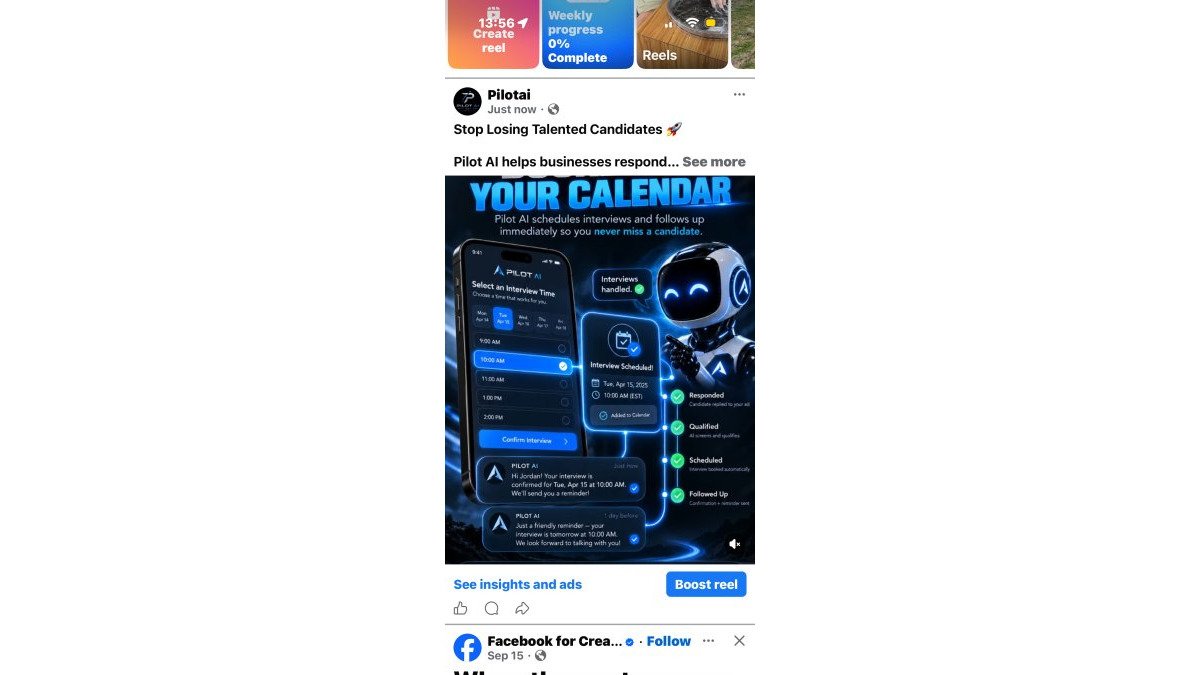
Outreach and scheduling belong together. An applicant who responds and then waits three days for a scheduling link is an applicant who keeps looking. The workflow that works: applicant responds, AI handles the conversation and offers times, the calendar updates, and the team sees the confirmed interview in one place.
Text Messaging and Follow-Up That Reduce Ghosting
Ghosting usually isn't rudeness. It's silence from your side. A candidate who hears nothing assumes the role is filled.
Text messaging shortens the loop. A quick confirmation, a reminder the day before, and a same-day follow-up after the interview keep candidates engaged. Set reminders so no applicant sits unanswered past your target response window, and route reschedule requests to the AI rather than a manager's inbox.
Recruiting Workflow Automation: ATS, Pipeline, and Analytics
Recruiting workflow automation connects the applicant tracking system, the pipeline stages, and the reporting that tells you where hiring stalls.
Pipeline visibility matters more than most small teams expect. When candidates sit in "review" for a week, that delay is invisible until you measure it.
Analytics to watch: time-to-hire, candidate conversion rate at each stage, and where candidates drop off. You don't need a dashboard full of charts. Three numbers, reviewed monthly, will tell you more than twenty.
Integrations and Time-to-Value for Small Teams
Integration effort is the hidden cost of any recruiting platform. Before you commit, list the tools the workflow touches: email, calendars, your careers page, and any messaging channel. Ask how each connects and who does the setup.
Time-to-value follows from that list. A tool that connects to what you already use can be running in days. One that needs custom work can take weeks. For a small team, the second option is rarely worth it.
AI Hiring Best Practices for High-Growth Hiring
AI hiring best practices come down to one principle: automate the coordination, keep the judgment human. High-growth hiring means more roles open at once, and the failure mode is inconsistency, not volume.
Practical habits that hold up:
- Write the screening criteria before you open the role. Vague criteria produce vague rankings.
- Standardize your screening questions. The same questions for every applicant make comparison fair and defensible.
- Review AI decisions on a schedule. Weekly is enough for most small teams.
- Document why candidates advance. It improves consistency and gives you a record if a decision is questioned.
On bias: no screening tool removes it on its own. Rankings inherit the criteria and the data behind them. The safeguard is a human review step and criteria tied to the role's actual requirements, not to a profile of who has done the job before.
Pricing, Implementation, and Time to Value
Most roundups tell founders to "ask for a quote" and stop there. What actually helps is knowing which pricing models exist, what each one does to your cost as you grow, and how to compare them without a list price in front of you.
The pricing models you will encounter:
- Per seat. You pay for each recruiter or hiring manager with access. Predictable for a small team, but the cost climbs every time you add a manager to the review loop.
- Per job or per opening. You pay for each role you post or manage. This can be cheaper when hiring is sporadic and more expensive when you are scaling several departments at once.
- Flat or tiered subscription. One recurring cost regardless of seats or jobs, usually with usage limits. Predictable, but check what happens when you exceed the tier.
- Usage-based add-ons. Text messaging, extra screening volume, or additional channels billed separately. These are the line items that turn a comfortable quote into a surprise.
Because vendors change plans often, the honest approach is to ask each vendor the same five questions and compare the answers side by side:
| What to ask | Why it matters for a startup |
|---|---|
| What is the pricing unit, seat, job, or flat? | Determines whether cost scales with headcount or with hiring volume |
| What is included at the entry tier? | Reveals whether scheduling, texting, or reporting cost extra |
| What are the usage limits, and what happens past them? | Prevents mid-cycle overage surprises |
| What is the minimum contract term? | A 12-month lock-in is a poor fit for a team that may pause hiring |
| What does cancellation look like? | Protects you if the tool does not fit after the pilot |
Then frame the comparison the way a founder actually thinks about it: cost against the hours your team spends today on scheduling, screening, and follow-up.
Match the Tool to Your Hiring Stage
The right setup depends less on company size than on hiring stage, and the three stages have different needs:
- Pre-seed / first few hires. You are hiring one or two generalists, often the founder is the only reviewer, and there is no HR function. Prioritize a tool that works with low applicant volume, requires no minimum number of openings, and lets the founder respond and schedule from one place. Skip anything that needs an administrator.
- Seed stage. You are hiring across a few functions at once and the founder can no longer review every applicant personally. Prioritize pipeline visibility, standardized screening questions, and a review step so a hiring manager can override rankings. This is where scheduling and follow-up automation pay for themselves fastest.
- Growth stage. Multiple departments are hiring, and consistency across roles matters. Prioritize reporting on stage-by-stage timing, documented screening criteria, and integrations that keep the ATS as the source of truth. This is also the stage where a per-seat model starts to add up, so revisit the pricing unit.
A common pattern is that teams over-buy at pre-seed and under-buy at seed. The fix is to pick the smallest setup that covers your current stage, run a one-role pilot, and expand only when the bottleneck moves.
Implementation Effort and Human Oversight
Implementation is not just setup time, it is the effort to keep the tool aligned with how your team actually hires. Two things to build in from day one:
- A human review step. Automated screening should narrow the field, never close it. Make sure a person can see the rejected pile and pull back anyone worth a conversation, and keep a written record of why a candidate advanced.
- A response window you can actually hit. Define your target reply time before you shop. If your team cannot respond within 24 hours today, judge the tool on whether it closes that gap, not on how many features it lists.
On AI accuracy and bias: no screening tool removes bias on its own. Rankings inherit the criteria and the data behind them, so criteria tied to the role's actual requirements, not to a profile of who has done the job before, are the safeguard. For data handling, ask the vendor where candidate data is stored, how long it is retained, and who can access it. Those are reasonable questions for any vendor, and the answers should be in writing.
At Pilot AI, we built our recruiting tools around this sequence: an applicant responds, AI helps handle the conversation and scheduling, the team tracks progress in one place, and humans make every hiring decision. If you want a clear read on where your current process loses time, Get a Free Recruiting Audit. We review applicant response, follow-up, scheduling, and potential recruiting bottlenecks, and you leave with a short list of fixes. We do not guarantee hiring outcomes, but we can show you where the delays are.
Frequently Asked Questions
What should a startup look for in AI recruiting software?
Focus on applicant response speed, screening accuracy, and scheduling that works without a dedicated recruiter. The software should integrate with your existing tools, support text messaging and follow-up, and keep humans in the final hiring decision. Also check implementation time and pricing model, since lean teams cannot afford months of setup or per-seat costs that balloon as you grow.
Can AI recruiting software schedule interviews and follow up with applicants?
Yes. Automated interview scheduling software coordinates times across candidates and hiring managers, sends reminders, and follows up when applicants go quiet. This reduces ghosting and admin back-and-forth. Look for tools that let candidates self-schedule and that sync with your team's calendars, so no one has to manage a spreadsheet of interview slots.
How do hiring teams keep human oversight when using AI recruiting tools?
Set clear checkpoints: AI handles initial screening, scheduling, and reminders, but a person reviews shortlists and makes final decisions. Regularly audit screening criteria for bias and adjust them. Keep candidates informed about how AI is used. This balance speeds up the process without removing judgment from hiring managers.
How can AI help a startup screen job applicants?
AI candidate screening software parses resumes, matches skills to your job requirements, and flags relevant experience so you can focus on the most promising applicants. It can also ask screening questions automatically and score responses. For small teams, this cuts hours of manual review and helps you respond to candidates faster, which improves conversion rates.
Hiring at a small company rarely fails because you picked the wrong tool. It fails because applications go unanswered and interviews never get scheduled. Pilot AI brings applicant response, scheduling, pipeline tracking, and follow-up into one system, with your team making every hiring call. Get started with Pilot AI and see where your recruiting time actually goes.