 how-to
How to Book a Demo for HR Automation Software
Table of Contents
- Why Booking a Demo for HR Automation Software Saves Time
- HR Software Demo Checklist: What to Prepare Before You Book
- How to Book a Demo: Step-by-Step Process
- HR Software Demo Questions to Ask Every Vendor
- Using an HR Software Demo Script to Stay on Track
- How Automated Interview Scheduling Software Fits Into Your Demo
- Evaluating the Demo: What to Look For and What to Ignore
- Conclusion: Turning Your Demo Into a Decision
- Frequently Asked Questions
Last Updated: October 14, 2026
Why Booking a Demo for HR Automation Software Saves Time
When you book demo sessions for HR automation software, you see quickly whether a platform fits your hiring workflows before you commit budget.
HR teams spend much of their week chasing applicants, confirming interviews, filing documents, and re-entering data.
Below, we'll show you how to prepare, what to ask, and how to judge what you see.
What HR Automation Actually Handles
HR automation covers the repeatable parts of the employee lifecycle: recruiting, applicant response, interview scheduling, reminders, onboarding, document collection, attendance tracking, leave requests, and offboarding.
A typical flow looks like this: an applicant responds, the system handles the back-and-forth and scheduling, your team tracks progress in one place, and a person makes the hiring decision.
The Cost of Manual HR Processes
Manual HR work costs more than the hours it consumes. Applications sit unanswered, interviews get double-booked, and onboarding paperwork gets lost between email threads.
Many businesses find that the real damage shows up in employee experience. According to SHRM's research on hiring and onboarding practices, the candidate experience directly shapes how new employees engage once they start.
HR Software Demo Checklist: What to Prepare Before You Book
The best demos are the ones you control. Prepare a short checklist before you book, and you'll spend the session on your workflows, not a generic tour.
Gather Your Team and Requirements
Bring the people who will use the tool daily, not just the person signing the contract. A hiring manager, an office manager, and whoever handles payroll or scheduling should each name one problem to solve.
Write those problems down as requirements. "We need faster applicant response" is a requirement. "We want something modern" is not.
Document Your Current Workflow
Map your process from application to first day, noting every handoff, spreadsheet, and place a task gets forgotten. This map becomes your demo script and exposes where manual errors creep in.
- Where do applications arrive, and who reads them first?
- How are interviews scheduled, and who confirms them?
- What happens when a candidate goes quiet?
How to Book a Demo: Step-by-Step Process
Booking a demo takes about an hour of preparation and thirty minutes of your calendar. The process below keeps you in control of the agenda from the first email.
Step 1: Research Vendors and Shortlist
Start with a shortlist of three to five vendors. Read their documentation, not just their homepage, and look for evidence they handle your use cases: high-volume recruiting, multi-stage interviews, or onboarding across locations.
Check whether the platform covers the full lifecycle or only one slice.
When you review a vendor, look for these signals:
- A public product documentation or help center you can read before talking to sales
- Screenshots or short videos showing the actual applicant response and scheduling flow
- Clear language about what the product does and does not do
If a vendor hides everything behind a sales call, that is useful information. It usually means the demo will be a slideshow rather than a working session.
Step 2: Request the Demo and Set an Agenda
When you request a demo, send your agenda with the request. Name the workflows you want to see and the questions you need answered.
A strong demo request email includes four things:
- Your company size and the roles you hire most often (for example, field sales reps, home services technicians, cleaning staff, or dental front-office roles)
- The two or three workflows you most want to see live, applicant response, interview scheduling, reminders, or onboarding paperwork
- The specific bottlenecks you are trying to remove
- A request to include someone with implementation experience on the call
Ask for the right person on the call. A generalist sales rep can show screens; only someone with implementation experience can answer questions about migration, setup, and support.
Step 3: Confirm Attendees and Tech Setup
Confirm attendees from both sides at least a day ahead, test your video and audio ten minutes early, and have your current workflow open if you plan to screen-share.
Assign one person to take notes and one to ask the hard questions. Splitting those roles keeps the conversation moving and prevents the awkward pause where everyone waits for someone else to challenge a claim.
| Step | What You Do | Time Needed | Output |
|---|---|---|---|
| Research and shortlist | Read docs, check use cases, review help centers | 30-45 min | 3-5 vendors |
| Request and set agenda | Send requirements, name workflows, request implementation contact | 15 min | Confirmed agenda |
| Confirm attendees and tech | Verify people, test setup, assign note-taker | 10 min | Smooth session |
Step 4: Run the Demo and Take Structured Notes
During the call, keep your workflow map in front of you. Ask the vendor to walk through your actual scenarios, not their favorite features. When they show something impressive but unrelated to your list, note it and move on.
Capture answers in a consistent format so you can compare vendors later. A simple table works:
- Workflow shown: what did they demonstrate?
- Fit: did it match how your team actually works?
- Gaps: what did they say the product cannot do?
Step 5: Follow Up Within 24 Hours
Send a short recap email the next business day listing what you saw, what you still need, and any open questions. It forces you to process what you learned while it's fresh and tests how responsive the vendor is after the sales call ends.
A vendor's follow-up speed and quality is a preview of their support. If a recap email takes a week to answer, imagine what a support ticket looks like.
HR Software Demo Questions to Ask Every Vendor
The right HR software demo questions separate a real fit from a polished presentation. Ask them early and the same way to every vendor so you can compare answers side by side.
Questions About Core Features
- How does the system handle an applicant who responds after hours?
- Can it send automatic reminders for interviews and pending documents?
- Does it support multi-stage interviews and reference checks?
Questions About Implementation and Support
- How long does setup take for a company our size?
- What does migration from our current tools involve?
- Who supports us after launch, and how do we reach them?
Using an HR Software Demo Script to Stay on Track
A demo script is a one-page document listing your must-see workflows in priority order.
Structure it in three parts: the workflows you must see, the questions you must ask, and the outcomes you need.
For a cleaning company with high applicant volume, the script might prioritize applicant response and interview scheduling. For a dental office, it might prioritize onboarding paperwork and reminders.
How Automated Interview Scheduling Software Fits Into Your Demo
Automated interview scheduling software handles the calendar back-and-forth that eats a recruiter's day.
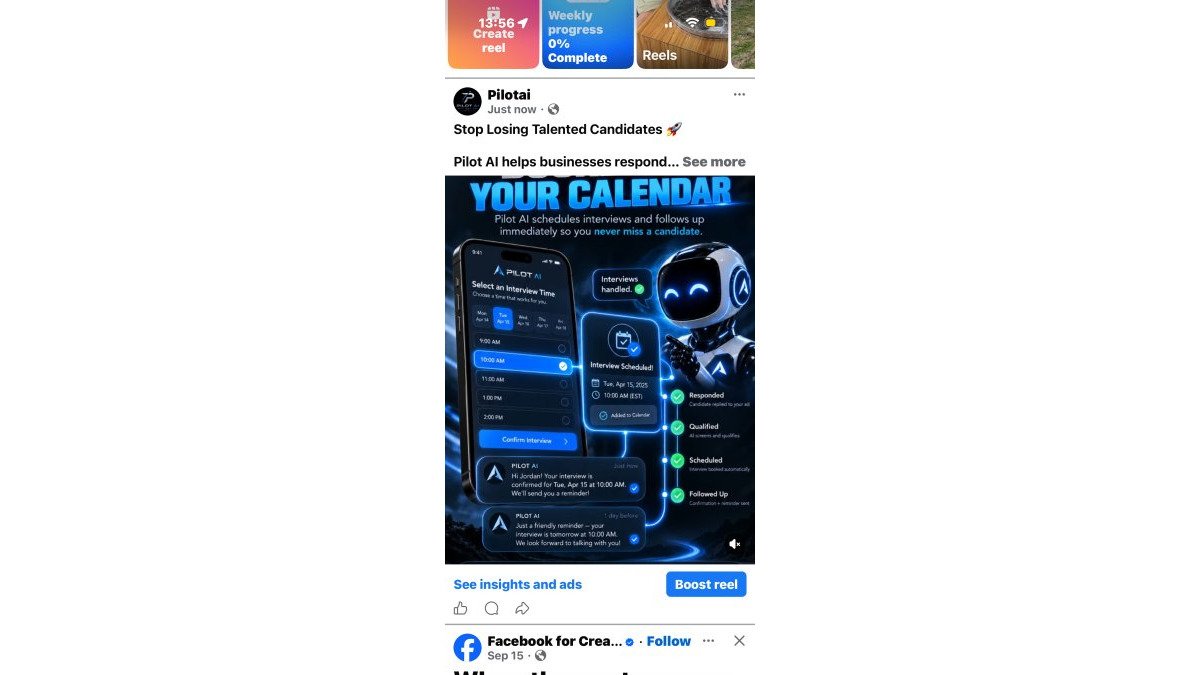
Put scheduling on your demo agenda as its own item. Ask to see a full cycle: a candidate responds, the system proposes times, the interview books, and a reminder goes out.
At Pilot AI, our recruiting tools are built around this exact flow, with automated training and performance tracking connected to the same system.
Evaluating the Demo: What to Look For and What to Ignore
Judge the demo against your workflow map, not against the vendor's best-case scenario. The question isn't whether the software can do impressive things. It's whether it removes the specific bottlenecks you wrote down.
Most demo evaluations happen in your head right after the call, when everything feels vaguely positive. A simple scorecard fixes that: score each vendor on the same criteria, using the same scale, on the same day.
Build a Simple Demo Scorecard
Use a 1-5 scale for each category below. Weight the categories that matter most to your business. A cleaning company hiring high-volume field staff might weight applicant response and scheduling heavily.
| Category | What You Are Scoring | Example Weight |
|---|---|---|
| Applicant response | Speed and quality of automated replies and follow-up | High |
| Interview scheduling | Calendar handling, reschedules, no-show follow-up | High |
| Onboarding and documents | Paperwork collection, reminders, record storage | Medium |
| Reporting and visibility | Can you see pipeline status and bottlenecks at a glance? | Medium |
| Implementation and support | Setup time, migration help, ongoing support channels | High |
| Usability | Could a busy office manager use this without training? | High |
Score each vendor the same day you see the demo. Memory fades fast, and by the third demo everything blurs together.
Red Flags During a Demo
- The rep can't show your workflow without "a quick workaround."
- Every answer ends with "that's on the roadmap."
- Nobody on the call can speak to implementation or support.
Green Flags That Signal a Good Fit
- The rep asks about your process before showing anything.
- They demonstrate a reschedule, a no-show, and an edge case without prompting.
- Implementation timelines and support channels are stated plainly.
Questions About Data Security and Access
HR systems hold sensitive employee information, so security deserves its own line of questioning. Ask how access is controlled, who can view or export records, how the vendor handles data when an employee leaves, and whether they can provide documentation on their security practices. You don't need to be a security expert, just ask consistently across vendors and compare the clarity of the answers.
Questions About Pricing and Contract Terms
Pricing is often the least transparent part of a demo. Ask how pricing scales as you add users or locations, what's included versus billed separately, what the contract term looks like, and what happens if you leave, how you export your data and how long it takes. Vendors who answer directly are easier to trust than those who redirect to a separate call.
How to Compare Vendors Side by Side
After all demos are done, put your scorecards next to each other. Look for the vendor that scored consistently well across the categories you weighted highest, not the one with the flashiest single feature.
The goal is not to find a perfect product. It is to find the one whose strengths line up with your actual bottlenecks and whose weaknesses you can live with.
Conclusion: Turning Your Demo Into a Decision
The hard part isn't finding a time to book demo calls. It's turning what you saw into a decision your team agrees on.
If applicant response, follow-up, or scheduling is where your process stalls, that's worth a closer look. Get a Free Recruiting Audit and we'll review your applicant response, follow-up, scheduling, and potential bottlenecks before you commit to anything.
Frequently Asked Questions
What should I ask during an HR automation software demo?
Focus on how the software handles your specific pain points. Ask about applicant response times, automated interview scheduling, follow-up sequences, and how employee records are managed. Request a live walkthrough of the workflow you use most, such as screening or onboarding. Also ask about implementation timelines, training for your team, and what support looks like after launch. A good vendor will tailor the demo to your use cases rather than showing a generic tour.
How do I prepare for an HR software demo?
Start by documenting your current HR workflow, including where bottlenecks occur. Gather input from hiring managers and your HR team on what they need most. Create a shortlist of must-have features versus nice-to-haves. Then prepare a list of questions using an HR software demo checklist so you cover features, integration, support, and implementation. Invite the stakeholders who will use the tool daily so they can ask their own questions during the session.
Can HR automation software help schedule interviews?
Yes. Automated interview scheduling software connects with your calendar and lets candidates pick available time slots without back-and-forth emails. When an applicant responds to your outreach, the system can offer interview times, send confirmations, and issue reminders automatically. This reduces the manual coordination that slows down hiring. Your team still makes the final hiring decision, but the scheduling logistics run in the background.
How long does an HR software demo usually take?
Most demos run between 30 and 60 minutes, depending on how many features you want to see and how many questions you have. A focused session covering two or three core workflows is often more useful than a broad overview. Ask the vendor to reserve time for questions at the end. If you need a deeper look at specific modules, such as payroll or compliance, you may want a follow-up session with a specialist.